
Creating a cozy and productive home office space has become a top priority for many people working remotely. A well-designed workspace not only promotes focus and efficiency but also makes your workday more enjoyable. Whether you have a dedicated room or just a small corner, you can transform it into a place that inspires creativity and comfort. Here’s a comprehensive guide to setting up a home office that works for you.
Start with the Right Location
Choosing the ideal spot in your home for your office is key. Look for an area with natural light to help reduce eye strain and improve mood. If possible, pick a quiet place away from distractions such as the TV or busy family areas. Even a small nook or corner can become a great office zone with the right setup.
Invest in Comfortable and Functional Furniture
Comfort is critical for long work hours. Here’s what to consider:
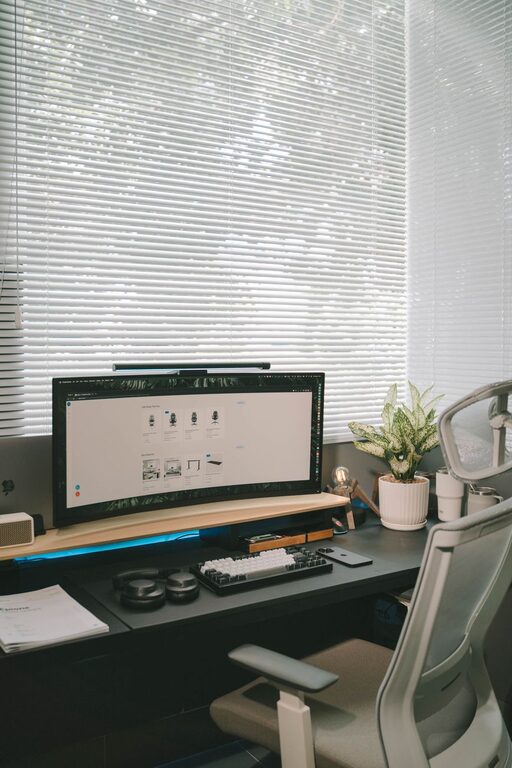
– Ergonomic Chair: Choose a chair that supports your back and encourages proper posture.
– Desk Size: Pick a desk that fits your equipment without feeling cramped, allowing room for writing and organizing.
– Adjustable Elements: Standing desks or adjustable monitors can help reduce fatigue.
Adding cushions, footrests, or wrist supports can also improve comfort.
Optimize Lighting
Good lighting helps prevent headaches and keeps you alert. Natural light is best, but adding the following can enhance your workspace:
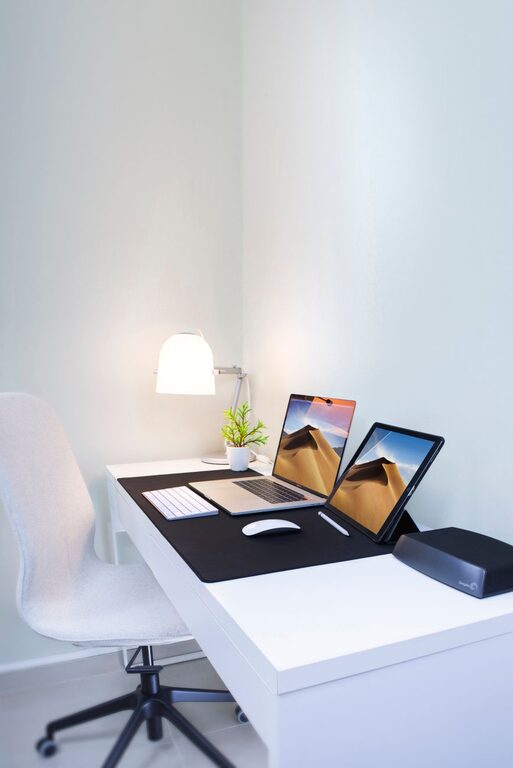
– Desk Lamp: Adjustable lighting helps focus on your work.
– Soft Ambient Light: Reduces harsh shadows and eye strain.
– Avoid Glare: Position screens to minimize reflection.
Organize Your Supplies and Equipment
Clutter can hinder productivity. Keep your workspace tidy and your tools within reach:
– Storage Solutions: Use shelves, drawers, or filing cabinets.
– Desk Organizers: Keep pens, paper, and gadgets sorted.
– Cable Management: Avoid tangled cords with clips or sleeves.
Regularly declutter to maintain a fresh environment.
Personalize Your Space with Style
Adding personal touches makes the office feel inviting:
– Colors: Use calming colors like soft blues or greens to promote focus.
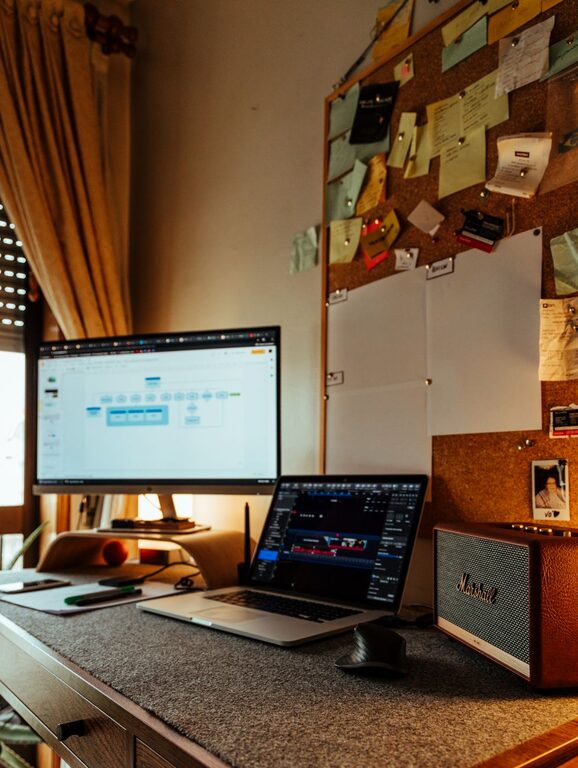
– Artwork and Plants: Pictures, posters, or plants add life and inspiration.
– Comfort Items: Cozy blankets or cushions can make your space welcoming.
Balance personalization with professionalism if you participate in video calls regularly.
Minimize Noise and Distractions
Noise can break your concentration. Consider these strategies:
– Noise-Canceling Headphones: Block out background sounds.
– White Noise Machines or Apps: Provide a consistent sound environment.
– Room Dividers or Curtains: Help absorb sound and define the workspace.
Establish Boundaries for Work-Life Balance
Having clear boundaries between work and home life is important:
– Work Hours: Set a schedule and stick to it.
– Designated Workspace: Make your office a separate zone from relaxation areas.
– Visual Cues: Close doors or use signage to signal work mode.
This helps maintain focus and prevents burnout.
Enhance Productivity with Tools and Technology
Use technology to streamline your work:
– Reliable Internet Connection: Essential for communication and research.
– Organizational Apps: Calendars, to-do lists, and note-taking apps keep tasks on track.
– Multiple Monitors: Improve multitasking ability.
– Proper Accessories: Headset, webcam, and external keyboard/mouse enhance efficiency.
Keep It Fresh and Healthy
A healthy workspace supports long-term productivity:
– Air Quality: Open windows or use air purifiers.
– Movement: Take breaks to stretch or walk.
– Hydration and Snacks: Keep water and healthy snacks close by.
Changing your workspace layout occasionally can also keep things interesting.
—
Creating a home office that feels cozy and encourages productivity requires some thoughtful planning and a bit of creativity. By focusing on comfort, organization, lighting, and personalization, you’ll build a space that supports your work goals and enhances daily well-being. Start small and adjust as needed to find the perfect balance for your needs.