Creating a workspace at home that is both organized and productive can make a significant difference in how efficiently you work and how comfortable you feel throughout the day. Whether you are working remotely, managing a home business, or simply need a dedicated area for tasks, an organized workspace can help reduce distractions, save time, and improve your focus. Here are some simple yet effective ways to design and maintain a more organized and productive workspace at home.
Why an Organized Workspace Matters
An organized workspace is more than just neatness; it affects your workflow, motivation, and mental clarity. When your workspace is cluttered or disorganized, it can lead to distractions, stress, and wasted time spent searching for items. On the other hand, a tidy and well-structured area promotes easier access to tools, better concentration, and a professional mindset even when working from your own home.
Choose the Right Location
Consider Natural Light and Comfort
Select a spot in your home that has good natural lighting, which can help reduce eye strain and improve your mood. Near a window is often ideal. Also, consider noise levels and interruptions. A quiet corner away from high-traffic areas can help maintain focus.
Ensure Ergonomic Setup
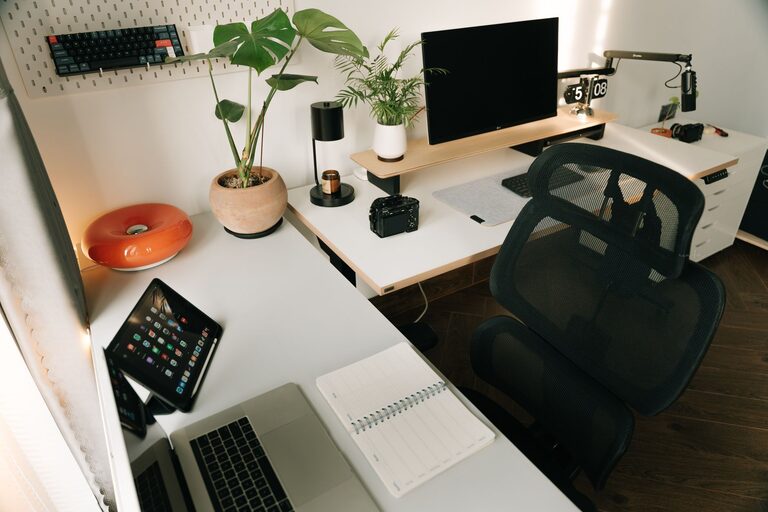
Your chair and desk height should support proper posture to avoid back or neck pain. Using an adjustable chair and keeping your computer screen at eye level helps create a comfortable environment designed for longer work periods.
Declutter Your Desk
Keep Only Essentials Within Reach
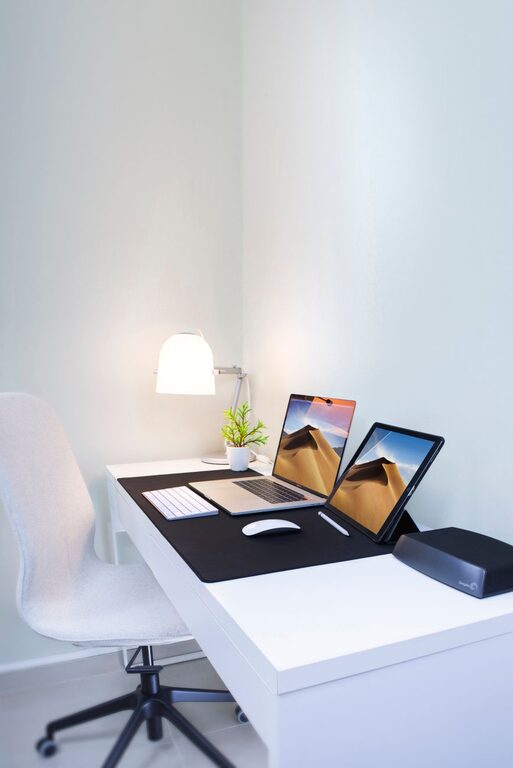
Clear your desk of unnecessary items and keep only what you use daily, such as your computer, phone, a notebook, and a pen holder. Store supplies that you use less frequently in drawers or shelves.
Implement Storage Solutions
Use organizers, trays, or small containers for loose items like paper clips, sticky notes, and cables. Drawer dividers can also help keep things in order. Labeling storage can save you time when looking for specific supplies.
Use Digital Tools to Minimize Paper
Go Paperless When Possible
Digitize documents, bills, and notes using apps or scanners to reduce paper clutter. Digital calendars and to-do lists can help keep your tasks organized without having piles of paper.
Organize Digital Files
Create clearly labeled folders on your computer and back up your files regularly. This will keep your digital workspace as tidy as your physical one, preventing wasted time searching for documents.
Establish a Routine and Goals
Start Your Day with a Plan
List your top priorities each morning to stay focused and organized. Breaking larger tasks into smaller steps can help achieve goals more easily.
Take Scheduled Breaks
Short breaks help maintain productivity and reduce burnout. Use these moments to stretch, hydrate, or move around to refresh your mind.
Personalize Without Overcrowding
Add Motivating Elements
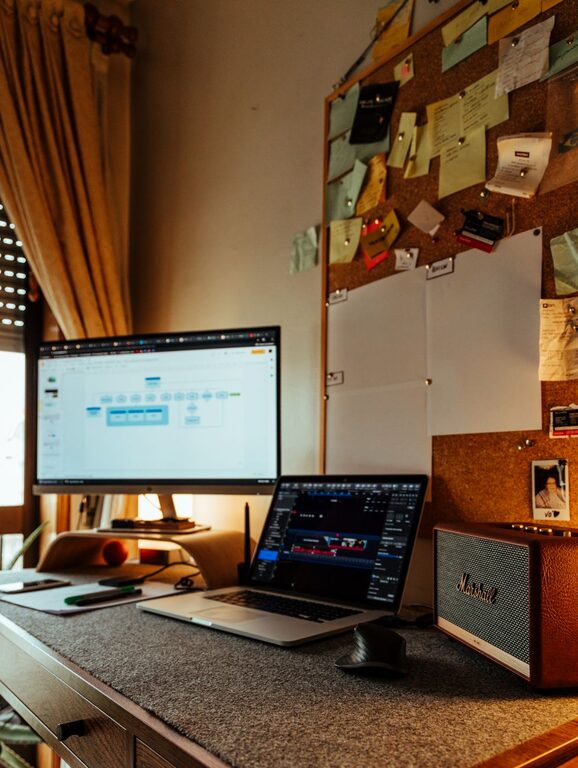
Incorporate a few personal touches such as photos, plants, or inspirational quotes. These elements can boost your mood and make the space feel inviting without causing distractions.
Keep the Color Palette Calm
Use neutral or soft colors for your workspace to promote relaxation and focus. Bright colors can be stimulating but may be distracting if overused.
Maintain Your Workspace Daily
End Each Day with a Quick Cleanup
Spend a few minutes tidying your desk and organizing materials before finishing work. This simple habit will make starting the next day much easier.
Regularly Reassess Your Needs
Your workspace requirements may change over time. Every few weeks, evaluate what works and what doesn’t. Adjust your setup accordingly to maintain effectiveness.
Final Thoughts
An organized and productive workspace doesn’t require expensive furniture or gadgets. With thoughtful placement, decluttering, smart storage, and daily habits, you can create an environment that supports your best work. Taking the time to set up and maintain your home workspace will help you stay focused, efficient, and motivated right where you are.