Creating a home workspace that is both relaxing and productive is essential for anyone working remotely or managing tasks at home. A well-designed space can help you stay focused, reduce stress, and maintain a healthy work-life balance. In this post, we’ll explore practical tips to help you set up or improve your home office environment.
Choose the Right Location
Consider Natural Light
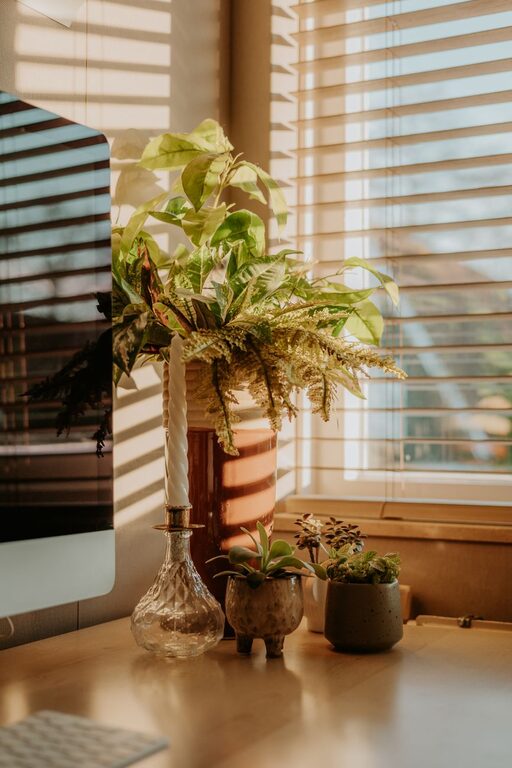
One of the best ways to make your workspace inviting is by placing it near a window. Natural light lifts your mood and reduces eye strain. Aim for a spot where sunlight arrives indirectly to avoid glare on screens.
Minimize Distractions
Select a quiet corner or a room with a door to limit interruptions. If this isn’t possible, use noise-canceling headphones or white noise machines to create a focused atmosphere.
Invest in Comfortable Furniture
Ergonomic Chair
Your chair should support your back and promote good posture. Adjustable features are a plus, as everyone’s body is different. Comfort is key to avoiding fatigue and discomfort during long work sessions.
Desk Size and Height
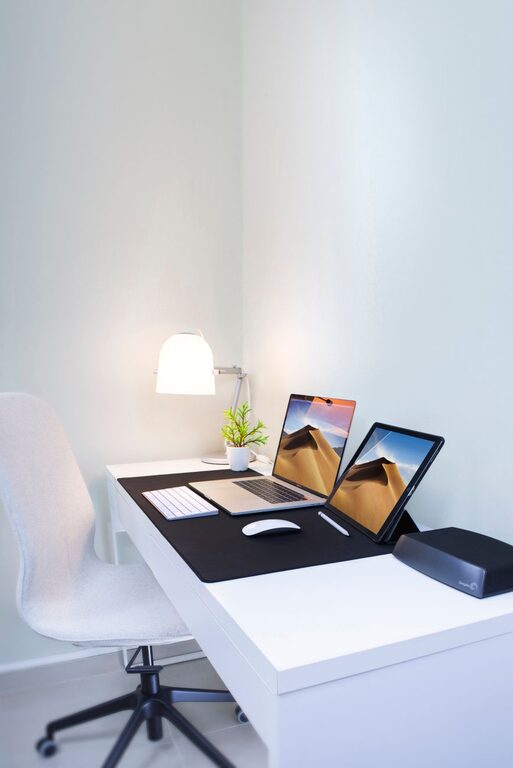
Choose a desk that fits your space but also provides enough surface area for your computer, papers, and other essentials. A height that allows your elbows to rest at about 90 degrees helps prevent strain.
Organize Efficiently
Declutter Regularly
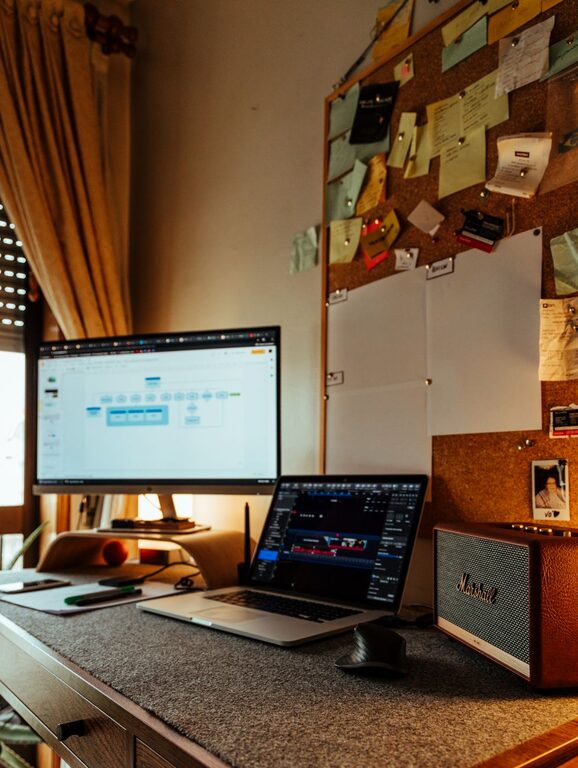
Keep only what you need on your desk to reduce distractions. Use drawers, shelves, or organizers to store supplies neatly.
Use Storage Solutions
Consider filing cabinets, boxes, or digital apps for organizing documents and tasks. Having a system helps you find things quickly and keeps your mind clear.
Personalize Your Space
Add Plants
Indoor plants improve air quality and bring a touch of nature indoors, which can be calming and inspiring.
Decorate Thoughtfully
Incorporate art, photos, or colors that motivate and relax you, but avoid overcrowding your space.
Optimize Lighting
Combine Natural and Artificial Light
If natural light is limited, use a good quality desk lamp with adjustable brightness. Position lights to avoid screen glare and shadows.
Use Warm Light Tones
Warm or neutral white light is easier on the eyes than harsh blue-toned lighting, especially during evening hours.
Manage Technology Wisely
Organize Cables
Use cable clips or ties to prevent tangles and keep your workspace neat.
Set Up Efficient Equipment
Invest in a reliable computer, fast internet, and any accessories needed for your work to avoid frustration and downtime.
Establish a Routine and Boundaries
Set Work Hours
Define when you start and end your workday. This helps maintain balance and reduces burnout.
Take Breaks
Incorporate regular short breaks to stretch, hydrate, and rest your eyes. Movement boosts focus and wellbeing.
Create a Calming Atmosphere
Use Relaxing Scents
Essential oils like lavender or eucalyptus can create a soothing environment.
Control Temperature and Ventilation
Keep your workspace comfortably cool and well-ventilated to stay alert and comfortable.
Final Thoughts
Designing a home workspace that supports relaxation and productivity doesn’t require a complete overhaul. Small adjustments tailored to your preferences and needs can make a significant difference. Remember to regularly assess your setup and make improvements as your work style evolves. With the right environment, you can enjoy both comfort and focus, making your home workspace a place where you can thrive.